

Alternatives to RemoveTexts
RemoveTexts is an AI tool that instantly removes any text from your images with just a brushstroke.
Explore 20 alternatives to RemoveTexts. Compare features, pricing, and find the best fit for your needs.

FreeVideoGenerator
Free AI video generator: turn text prompts and photos into video clips with Sora 2, Veo 3.1, Wan and more. Free starter credits, no watermark download
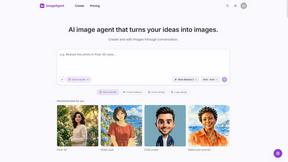
ImageAgent
Create and edit AI images through conversation, using text or reference images and refining results in chat.
sakuttoAI
A free suite of online tools for everyday tasks like PDF compression, image conversion, text diff and CSV to Excel.
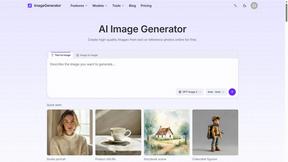
ImageGenerator
Create and edit AI images online with multiple models, text-to-image, image-to-image, background removal, and upscaling.
SightRadar
Face recognition API, a drop-in replacement for AWS Rekognition. Index, search, compare and detect faces, billed per photo with no subscription.
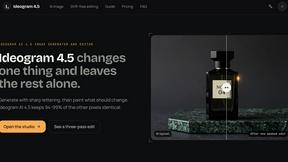
Ideogram 4.5
Advanced AI image generation and editing: sharp typography, native 2K output, localized edits that preserve the rest of your image.
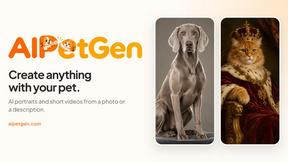
AIPetGen
AIPetGen turns a photo of your dog, cat, or other pet, or a written description, into a new picture or a short animation.



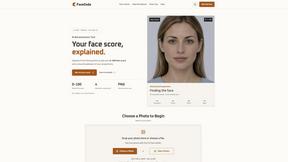
FaceCoda
Free AI attractiveness test and face analysis with private, on-device photo processing.


Hailuo AI
Create high-quality videos from text or images with guided prompts, motion and camera controls, flexible settings, task tracking, and downloadable res

GPT Image 2 API
Generate and edit production-ready images with GPT Image 2 API, prompts, reference images, clear text, and developer workflows.

ProfileLoom
ProfileLoom turns one photo into platform-ready AI portraits for professional, social, and creator profiles, with presets and built-in editing.
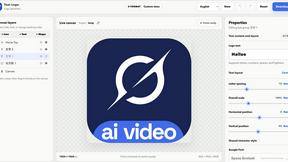
Text Logo
Create a custom text logo, wordmark logo, or typography logo with editable fonts, colors, icons, shapes, and flexible export formats.


Magic Eraser
AI photo editor for removing objects and backgrounds, enhancing images, and creating polished visuals across web and mobile.
OmniGIF
Free privacy-first GIF toolkit. Convert, edit frames, apply effects, and create animations entirely in your browser—no uploads, no account.

AI Image Editor
Free AI image editor that edits, retouches, and transforms photos with natural-language text prompts.
About RemoveTexts Alternatives
RemoveTexts is an AI-powered image editing tool that specializes in removing text and objects from any image. It belongs to the category of automated, AI-driven photo editors designed for simplicity and speed, eliminating the need for complex software like Photoshop. Users often explore alternatives for various reasons. Some may seek different pricing models, such as a one-time purchase versus a subscription. Others might need specific features like batch processing, integration with other platforms, or higher resolution limits. Platform availability, whether web-based, desktop, or mobile, is another common factor. When choosing an alternative, consider the core AI capability for clean, seamless edits, the output quality, and the overall ease of use. The ideal tool should balance powerful features with an intuitive interface, delivering professional results without a steep learning curve or excessive cost.
FAQs about RemoveTexts Alternatives
What is RemoveTexts?
RemoveTexts is an AI-powered tool that removes unwanted text, watermarks, and objects from any image in seconds, seamlessly reconstructing the background.
Who is RemoveTexts for?
It's for creators, marketers, and designers who need to quickly clean images, remove watermarks, edit screenshots, or erase unwanted text without using Photoshop.
Is RemoveTexts free?
The provided content does not specify pricing. For the most accurate and current information on plans or a free tier, please visit the official RemoveTexts website.
What are the main features of RemoveTexts?
Key features include Paint to Remove for precise edits, Auto Remove All text, Edit & Replace Text, object removal, and support for over 50 languages with 4K output quality.