

Image to Layers AI
Turn any image into editable transparent PNG/PSD layers with AI
AI tool Details
Explore More
Alternatives
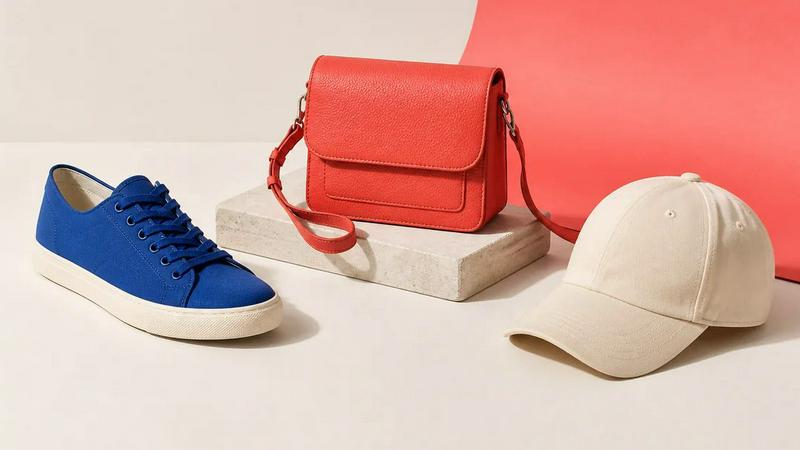
About Image to Layers AI
Turn any image into editable layers with AI. Upload a picture and get the subject, background, and objects as separate transparent PNG (RGBA) layers in about a minute. Works in any editor like Photoshop, Figma, or After Effects. Ideal for designers, motion artists, and developers who need quick, clean layer stacks without manual masking.
Similar to Image to Layers AI
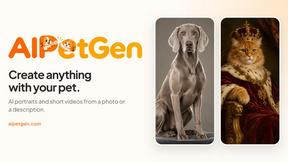
AIPetGen
AIPetGen turns a photo of your dog, cat, or other pet, or a written description, into a new picture or a short animation.
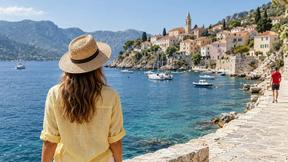
AI Object Remover
Remove unwanted people, objects, text and watermarks from photos with AI
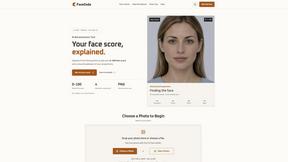
FaceCoda
Free AI attractiveness test and face analysis with private, on-device photo processing.
AIEnhancer
AI photo, image and video creation in one connected workspace.
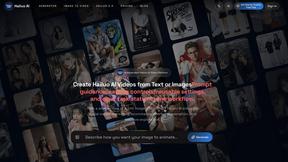
Hailuo AI
Create high-quality videos from text or images with guided prompts, motion and camera controls, flexible settings, task tracking, and downloadable res
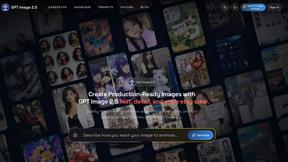
GPT Image 2 API
Generate and edit production-ready images with GPT Image 2 API, prompts, reference images, clear text, and developer workflows.
ProfileLoom
ProfileLoom turns one photo into platform-ready AI portraits for professional, social, and creator profiles, with presets and built-in editing.