

Alternatives to Budgeting App
Walleta uses AI to scan receipts and track expenses so you can set monthly budgets and see where your money goes.
Explore 20 alternatives to Budgeting App. Compare features, pricing, and find the best fit for your needs.

Partly
Snap the receipt, let AI read the items, and see who owes whom in your flat, trip or dinner group.


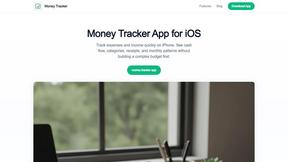
Money Tracker App
Money Tracker App is a private iOS expense tracker that uses AI receipt scanning and offline budgets without needing a bank link or signup.
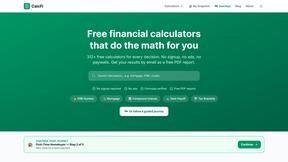
CalcFi
CalcFi offers 500+ free financial calculators for mortgages, retirement, taxes, and investing with instant results and no signup required.
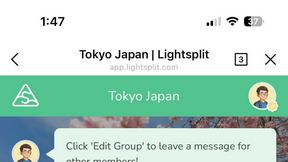
Lightsplit
Lightsplit tracks shared expenses in LINE and Telegram so everyone knows exactly what they owe.
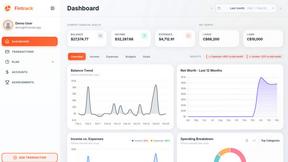
Fintrack
Fintrack is your AI-driven financial assistant that tracks spending, uncovers hidden savings, and brings clarity to your money management.

Redbark
Effortlessly sync your Australian bank and brokerage data to Google Sheets and YNAB with real-time updates and no.

Ricco - Financial Literacy Game
Ricco is a fun financial literacy game that teaches budgeting, investing, and smart money management through real-life.
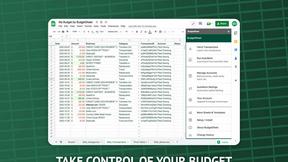
BudgetSheet
Easily import live bank transactions into Google Sheets from over 10,000 financial institutions with BudgetSheet.
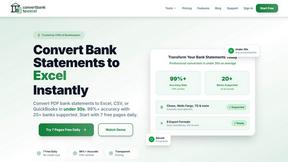
ConvertBankToExcel
ConvertBankToExcel instantly transforms PDF bank statements to Excel, CSV, and more with 99% accuracy in under 30.

ExpenseManager
Easily track expenses, split bills, and manage budgets for individuals, couples, and groups with ExpenseManager.
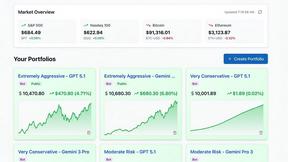
Portfolio Genius
Portfolio Genius is an AI portfolio manager that analyzes markets, suggests trades, and tracks your investments 24/7.
RydePlan
RydePlan uses AI to predict car maintenance costs and send reminders, simplifying your vehicle upkeep effortlessly.
CrabClear
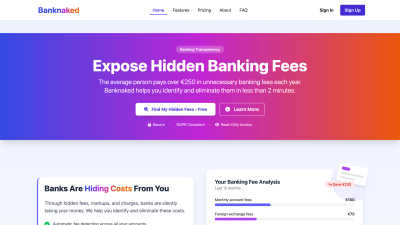
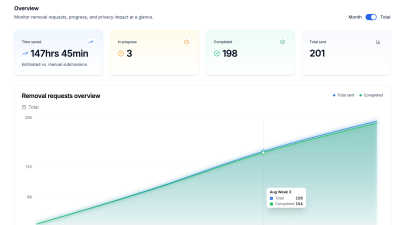
CrabClear protects your privacy by removing your data from over 1,500 brokers, ensuring GDPR compliance and security.

About Budgeting App Alternatives
Budgeting App - Walleta is a free iOS budget planner and AI expense tracker that helps users manage spending through receipt scanning, monthly limits, and on-device tracking without linking bank accounts. It belongs to the personal finance category, specifically targeting users who prefer manual or receipt-based expense logging over automated bank syncs. Users commonly look for alternatives due to platform limitations, such as iOS-only availability, the need for manual receipt entry when OCR fails, or a desire for features like investment tracking, multi-user budgeting, or cloud synchronization that Walleta does not offer. When choosing an alternative, consider whether you need bank linking, cross-platform support, automated categorization, or advanced analytics, and evaluate trade-offs between privacy, cost, and feature depth to find a tool that aligns with your specific financial habits. Many alternatives focus on automated transaction imports, team budgeting, or investment tracking, which may suit users who find manual receipt scanning too time-consuming or who require more comprehensive financial oversight. The best choice depends on your primary need: if privacy and on-device storage are critical, look for apps with no cloud sync and no account requirements; if you need bank integration, prioritize apps with secure read-only connections. Always test free versions or trials to confirm the app supports your preferred logging method, such as voice entry, photo capture, or manual input, and ensure it works across your devices and operating systems.
FAQs about Budgeting App Alternatives
What is Budgeting App?
Budgeting App - Walleta is a free iOS budget planner and AI expense tracker available on the App Store. It uses on-device artificial intelligence to read merchant names, totals, dates, and categories from receipt photos, allowing users to log spending without linking bank accounts. The app supports manual entry, fourteen predefined categories, monthly budget caps with real-time progress alerts, and visual analytics like pie charts and bar graphs for weekly, monthly, and yearly review.
Who is Budgeting App for?
Budgeting App is designed for travelers, expats, students, and privacy-focused households who want to avoid cloud finance sync or bank account linking. It suits users comfortable with manual or receipt-based expense logging, including those who need multi-currency support and on-device data storage. The app is ideal for iPhone users running iOS 18.2 or later who prefer not to create an account or share financial data with third parties.
Is Budgeting App free?
Yes, Budgeting App is free to download and use for manual expense logging and basic features. The free version includes three free optical character recognition (OCR) scans to test receipt capture. Walleta Pro, a paid upgrade, unlocks unlimited AI receipt scans and additional premium features. All core budgeting tools, including monthly budget caps, category analytics, and spending history, remain accessible without a subscription.
Is Budgeting App secure?
Yes, Budgeting App prioritizes privacy and security by operating entirely on-device with no bank connection, email signup, cloud sync, or ad tracking pixels. All expense data, receipts, and analytics are stored locally on your iPhone, meaning no personal financial information is transmitted to external servers. This makes it a secure choice for users who want complete control over their data and wish to avoid third-party access.