
LuxSign vs MindMap AI
Side-by-side comparison to help you choose the right AI tool.

LuxSign lets you securely sign and manage documents online in minutes, ensuring legal validity across the EU.
Last updated: February 26, 2026

MindMap AI
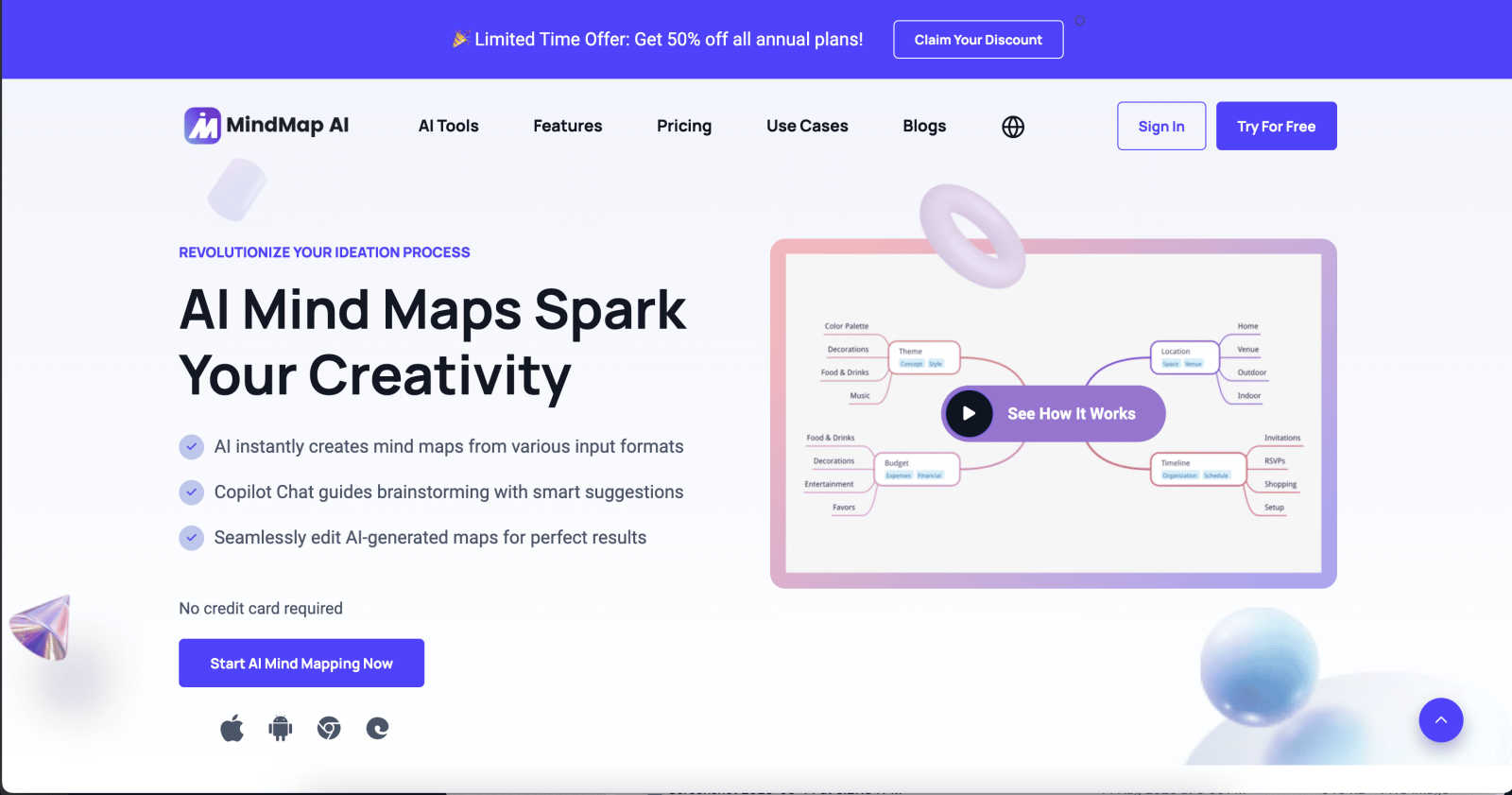
MindMap AI instantly transforms your ideas and documents into structured, editable mind maps.
Last updated: March 1, 2026
Visual Comparison
LuxSign

MindMap AI
Feature Comparison
LuxSign
Multiple Signature Methods
LuxSign supports various signature methods, allowing users to draw their signature, type their name, or upload an image. This flexibility makes it simple for signers to complete documents quickly and according to their preferences.
Advanced Security
The platform employs industry-standard encryption to secure documents during upload, storage, and transmission. With secure hosting in Luxembourg, LuxSign guarantees compliance with GDPR and local data protection laws, providing peace of mind for businesses.
Collaboration Workspaces
LuxSign enables teams to create shared workspaces for better collaboration. Users can organize documents in folders, manage member access, and work together seamlessly on signing workflows, enhancing productivity and teamwork.
Complete Audit Trail
Every action taken within LuxSign is logged with detailed timestamps, IP addresses, and signer information. This comprehensive audit trail aids in compliance and verification, ensuring that organizations can maintain transparency and accountability in their signing processes.
MindMap AI
AI Thinking Mode
This proprietary reasoning engine analyzes your input by understanding context, hierarchy, and relationships before generating any map. It ensures every mind map is logically structured and accurate on the first try, eliminating random or messy branches and providing a solid foundation for real thinking.
File-to-Map Conversion
Transform virtually any content format into a clean mind map instantly. Upload text, PDFs, images, audio recordings, videos, Markdown, CSV, and more. This feature removes the manual labor of building a map from scratch, letting you dive straight into analyzing, planning, and expanding on the extracted ideas.
MindMark Stability
A cornerstone feature that guarantees your manual work is never overwritten. The AI co-edits alongside you, expanding and summarizing around your ideas without disrupting your custom layouts, edits, or personal structure. This ensures reliable collaboration where AI assists without taking control.
Flexible Layouts & Customization
Switch seamlessly between Mind Map, Org Chart, and Logic Chart views while maintaining your structure. Coupled with total design control—custom colors, fonts, shapes, and widgets like Priority Flags—you can tailor the look to match your brand or style and present ideas from multiple perspectives.
Use Cases
LuxSign
Contract Signing for Remote Teams
LuxSign allows remote teams to sign contracts quickly and securely. By using its cloud-based platform, team members can sign documents from anywhere, ensuring that workflows remain uninterrupted despite geographical barriers.
Compliance Documentation
Businesses in regulated industries can use LuxSign to manage compliance documentation requiring multiple signatures. The platform's advanced security features and audit trails help organizations stay compliant while efficiently processing necessary paperwork.
Real Estate Transactions
Real estate professionals can leverage LuxSign to facilitate the signing of purchase agreements and lease contracts. With its easy-to-use interface and multiple signing options, agents can ensure timely signatures, speeding up the closing process.
Human Resources Onboarding
HR departments can utilize LuxSign to streamline the onboarding process. By digitizing the signing of employment contracts and policy documents, organizations can enhance their onboarding efficiency while maintaining security and compliance.
MindMap AI
Project Planning & Management
Teams can break down complex projects into clear, visual workflows. Convert project briefs or meeting notes into a structured map, assign tasks with due date widgets, and switch to an org chart view to define team hierarchies and responsibilities, ensuring everyone aligns on strategy and execution.
Academic Research & Study
Students and researchers can distill lengthy papers, books, or lecture recordings into concise visual summaries. This aids in identifying key themes, arguments, and relationships between concepts, facilitating faster comprehension, revision, and the development of research papers or theses.
Business Strategy & Brainstorming
Ideal for corporate teams to streamline strategy sessions. Input market research, competitor data, or brainstorm notes to generate a strategic map. Use the AI Co-Pilot to explore different scenarios, uncover insights, and refine ideas interactively, turning abstract concepts into actionable plans.
Knowledge Management & Documentation
Organizations can centralize scattered information from various documents and meetings into a living, visual knowledge base. Create stable, easily navigable maps that summarize large documents, making institutional knowledge accessible, shareable, and easy to update for all team members.
Overview
About LuxSign
LuxSign is a cutting-edge electronic signature platform designed for businesses that prioritize security and compliance. Built in Luxembourg, it offers a reliable, cloud-based solution that ensures all documents are encrypted end-to-end and stored locally, thereby maintaining full compliance with GDPR regulations. LuxSign is tailored for organizations that require a legally valid signature solution across the European Union, supporting eIDAS SES standards. Its user-friendly interface allows for quick document signing and management, making it ideal for professionals and teams who need an efficient way to handle contracts and agreements. With features such as automated notifications, advanced audit trails, and collaborative workspaces, LuxSign empowers businesses to streamline their signing processes while ensuring maximum security and compliance.
About MindMap AI
MindMap AI is a premier AI-powered mind mapping software designed to transform complex information into clear, actionable visual strategies. It serves as an intelligent thinking partner for professionals, teams, students, and researchers who need to organize ideas, manage knowledge, and plan projects with clarity and efficiency. The core value proposition is turning chaos into clarity: users can instantly convert any input—text, PDFs, images, audio, video, and more—into structured, editable mind maps. Unlike basic generators, MindMap AI employs a step-by-step reasoning engine that understands context and hierarchy, ensuring maps are meaningful and accurate from the first try. It supports real-time collaboration with an AI co-pilot that respects manual edits, offers multiple chart views, and provides extensive customization. Accessible via web, mobile, and extensions, it empowers over a million users to streamline brainstorming, strategy development, and document processing, turning scattered thoughts into polished workflows within minutes.
Frequently Asked Questions
LuxSign FAQ
What documents can I sign with LuxSign?
LuxSign supports PDF, DOC, and DOCX formats, allowing users to upload files up to 10MB. The platform automatically converts documents as needed, simplifying the signing process.
Is LuxSign GDPR compliant?
Yes, LuxSign is fully compliant with GDPR and Luxembourg data protection laws. All documents are encrypted and stored securely within the country, ensuring your data privacy is maintained.
Can I track the signing process?
Absolutely. LuxSign provides real-time tracking of document status, including when documents are sent, viewed, and signed. Users receive automatic email notifications to stay informed throughout the process.
How does LuxSign ensure security?
LuxSign employs end-to-end encryption for documents during upload, storage, and transmission. Additionally, all actions are logged with tamper-proof audit trails, ensuring transparency and security for all signed documents.
MindMap AI FAQ
What makes MindMap AI different from other mind map tools?
MindMap AI is built on a unique reasoning engine that prioritizes accurate, hierarchical structure over random generation. Key differentiators include MindMark Stability (AI never overwrites edits), multi-format file conversion, support for over 25 languages, and flexible chart views—all designed for professional, reliable use.
Is there a free plan available?
Yes. MindMap AI offers a free plan that includes 50 credits monthly with no credit card required. This allows users to test core features like AI map generation and basic editing, making it easy to start visualizing ideas without an initial financial commitment.
How does the AI handle large or complex documents?
The platform is engineered for large document processing. It maintains structural integrity and provides reliable summaries without excessive credit consumption. The AI breaks down content systematically, ensuring stable chart generation and consistent results even from dense, lengthy source material.
Can I collaborate with others on a mind map?
Yes, MindMap AI supports collaboration. You can share maps and co-edit with team members. The AI Co-Pilot feature allows for interactive refinement during these sessions, helping teams brainstorm and develop ideas together while the AI assists without disrupting human input.
Alternatives
LuxSign Alternatives
LuxSign is a cloud-based electronic signature platform based in Luxembourg, designed for businesses that require secure and compliant signing solutions. As an eIDAS SES compliant service, it ensures that signatures are legally valid across all EU member states. With features like end-to-end encryption and GDPR compliance, it caters to organizations focused on document security and regulatory adherence. Users often seek alternatives to LuxSign for various reasons, including cost considerations, specific feature requirements, and integration capabilities with existing systems. When evaluating alternatives, it's essential to prioritize factors such as ease of use, compliance with legal standards, and the ability to customize workflows and branding to suit business needs.
MindMap AI Alternatives
MindMap AI is a premier AI-powered mind mapping tool in the productivity and management category. It excels at transforming diverse inputs like documents and audio into structured visual maps, streamlining brainstorming and project planning for professionals and teams. Users often explore alternatives for various reasons. Common factors include budget constraints, the need for specific integrations, platform compatibility, or a desire for different feature sets like advanced collaboration or simpler, non-AI-focused interfaces. When evaluating other options, consider your core needs. Key aspects to compare are AI capabilities, real-time collaboration features, export formats, ease of use, and overall value for your specific use case, whether for individual ideation or team-based strategy development.