
ChatIMG.io vs ShinePhoto
Side-by-side comparison to help you choose the right AI tool.

ChatIMG.io
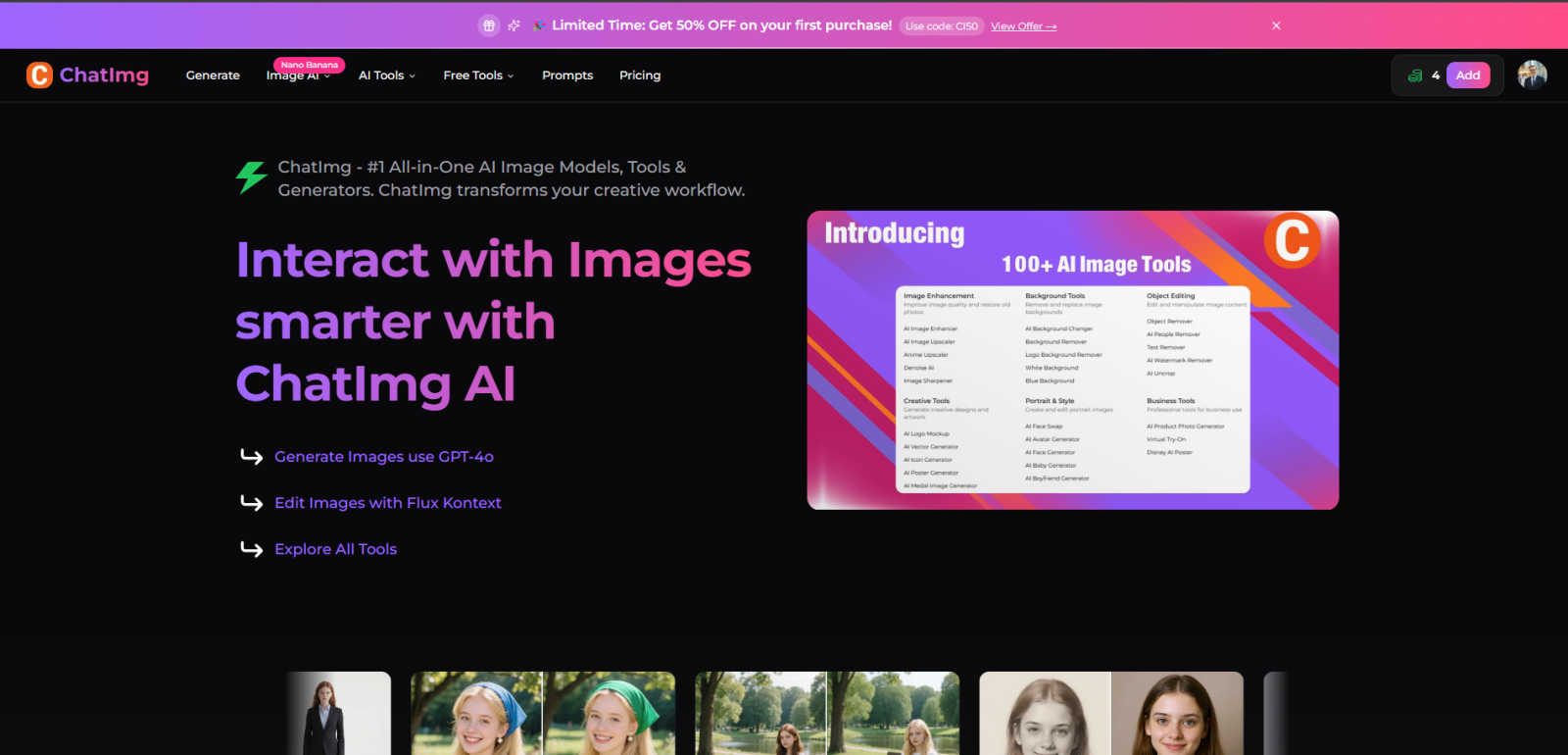
ChatIMG.io is your all-in-one AI platform for generating, enhancing, and editing images effortlessly.
Last updated: March 1, 2026

ShinePhoto
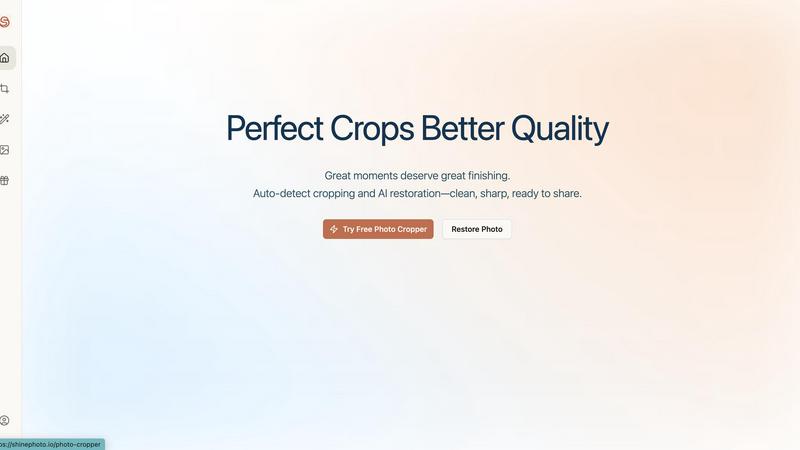
ShinePhoto transforms your images with smart cropping, restoration, and upscaling for stunning, share-ready quality.
Last updated: March 1, 2026
Visual Comparison
ChatIMG.io
ShinePhoto
Feature Comparison
ChatIMG.io
Multi-Model AI Image Generation
Access a suite of top AI models like GPT-4o, Flux 1.1 Pro, and Ideogram v2 from one dashboard. Choose the best model for your specific need, whether it's photorealistic imagery, artistic styles, or conceptual art, ensuring the perfect output for every project.
Advanced AI-Powered Editing Tools
Go beyond generation with a full toolkit for manipulation. Use Flux Kontext to edit images via text instructions, perform AI inpainting/outpainting, remove objects or backgrounds, swap faces, and restore old photos—all with simple prompts and no design expertise required.
Instant, High-Resolution Output
Leverage optimized cloud infrastructure to generate high-resolution, studio-quality images in under 10 seconds. This speed and performance are ideal for meeting tight deadlines and scaling content production for commercial use, marketing, and social media.
Integrated Specialized Tools
Utilize a wide array of built-in tools for specific tasks like creating professional headshots, changing hairstyles, translating text within images and videos, combining images, and generating portrait poses. This eliminates the need for multiple disparate software subscriptions.
ShinePhoto
Perfect Crops
ShinePhoto's photo cropper automatically detects the subject in your images, ensuring clean, sharp, and focused crops. Users can also manually adjust the cropping area for precise framing, catering to personal preferences.
Restore Photo
The restore photo feature allows users to enhance image quality by removing scratches, reducing blur, and cleaning up compression artifacts. This tool is essential for improving the overall clarity of older or damaged images.
Batch Processing
ShinePhoto supports batch processing, enabling users to upload and process multiple photos simultaneously. This feature saves time and effort, making it ideal for large collections or projects.
Share-Ready Exports
With just a click, users can download high-resolution files after processing. The share-ready exports ensure that images are crisp and ready for social media, printing, or archiving without additional steps.
Use Cases
ChatIMG.io
Social Media & Marketing Content Creation
Produce a high volume of engaging, on-brand visuals for campaigns, posts, and ads. Quickly generate product mockups, promotional graphics, and concept art to maintain a consistent and professional online presence across all platforms.
E-commerce & Product Visualization
Create compelling product images, lifestyle shots, and alternative visual angles without costly photoshoots. Generate backgrounds, remove objects, and enhance image quality to build attractive catalogs and listings that drive sales.
Creative Design & Conceptualization
Accelerate the brainstorming and prototyping phase for designers and artists. Rapidly visualize concepts, experiment with different artistic styles, and create illustrations or storyboards, fueling creativity and client presentations.
Personal Projects & Content Enhancement
Restore and colorize old family photos, create unique avatars or gifts, design custom merchandise visuals, and edit personal pictures by removing flaws or unwanted elements. Easily translate text in travel photos or memes for broader sharing.
ShinePhoto
Family Photo Restoration
Users can restore and enhance family photos that may have faded over time. ShinePhoto's tools help revive memories by improving clarity and color, making these treasured images vibrant again.
Professional Portfolio Enhancement
Photographers can quickly process their images for portfolios. By utilizing the batch processing feature, they can auto-crop and enhance multiple photos efficiently, ensuring their work looks polished and professional.
Event Photography Digitization
For those with large volumes of event photos, ShinePhoto provides an effective way to digitize and organize these images. The auto-cropping and restoration tools allow for quick uploads and enhancements, streamlining the workflow.
Social Media Content Creation
Influencers and content creators can use ShinePhoto to prepare images for their social media platforms. The ability to enhance image quality and create focused, share-ready photos ensures that their content stands out.
Overview
About ChatIMG.io
ChatIMG.io is the premier all-in-one AI image platform, transforming creative workflows for individuals and businesses. It empowers users of all skill levels to generate, edit, and enhance visuals using simple text prompts. The platform integrates multiple cutting-edge AI models, including GPT-4o and Flux Kontext, to deliver studio-quality results in seconds. From generating original artwork and product mockups to editing photos and translating video content, ChatIMG.io consolidates a vast suite of professional tools into a single, intuitive interface. It is designed for marketers, designers, e-commerce owners, and content creators who need high-quality visual content quickly and without complex software. By democratizing advanced image generation and editing, ChatIMG.io enables anyone to bring their creative vision to life efficiently and cost-effectively.
About ShinePhoto
ShinePhoto is a freemium AI photo toolkit that revolutionizes the way users digitize and enhance their photo collections. It is designed for anyone who wants to streamline photo editing processes, from casual users to professional photographers. ShinePhoto offers an intuitive platform for batch subject auto-cropping and photo quality restoration, making it ideal for users with varying levels of expertise. With advanced features that enhance image clarity, users can easily upload both small and large volumes of photos. The intelligent subject detection technology ensures precision in cropping, while powerful restoration tools allow for the recovery of older or damaged images. ShinePhoto combines user-friendliness and efficiency, enabling everyone to create polished memories from everyday moments or restore cherished family albums with just a few clicks.
Frequently Asked Questions
ChatIMG.io FAQ
What AI models does ChatIMG.io use?
ChatIMG.io provides access to multiple state-of-the-art models including OpenAI's GPT-4o for detailed imagery, Stability AI's Flux models for artistic control, and others like Recraft V3 and Ideogram. This variety ensures you can find the right style and capability for any creation task.
Do I need design skills to use ChatIMG.io?
No design skills are required. The platform is built for users of all levels. You create and edit images primarily by typing text descriptions or instructions. The AI handles the complex execution, making professional visual creation accessible to everyone.
Is the content I generate private and secure?
Yes. ChatIMG.io prioritizes privacy and security with enterprise-grade encryption and secure processing. Your prompts, uploaded images, and generated content remain confidential and are not shared publicly without your consent.
What can I use the generated images for?
Images generated on standard plans are typically suitable for commercial use, including marketing, web content, social media, and print. It's recommended to review the specific Terms of Service for licensing details, especially for sensitive or high-volume commercial applications.
ShinePhoto FAQ
What is ShinePhoto?
ShinePhoto is an AI-powered photo toolkit that combines a free photo cropper with restoration tools, allowing users to crop, enhance, and upscale images seamlessly.
Is ShinePhoto free to use?
Yes, ShinePhoto offers a free photo cropper that runs in the browser, enabling users to start editing their photos immediately without any cost.
How does photo restoration work?
Users can upload images and utilize the restore photo tools to reduce blur, noise, and damage. The effectiveness of the results is influenced by the quality of the original image.
Can I choose the subject to crop?
Yes, a feature coming soon will allow users to specify the subject for the photo cropper, ensuring more precise and tailored cropping results.
Alternatives
ChatIMG.io Alternatives
ChatIMG.io is a leading AI image generator and editor in the generative art category. It simplifies creating and refining visuals from text descriptions, making professional-grade imagery accessible to all users. People explore alternatives for various reasons. This includes seeking different pricing models, specific advanced features, or platforms that better integrate with their existing workflow. The need for a particular artistic style or output format can also drive this search. When evaluating other platforms, consider core needs like output quality, ease of use, and cost-effectiveness. Also, assess the availability of specialized editing tools, the diversity of AI models offered, and the strength of user support and learning resources.
ShinePhoto Alternatives
ShinePhoto is a freemium AI photo toolkit designed for enhancing images through smart cropping, restoration, and upscaling. As part of the image and photo category, it simplifies processes like batch subject auto-cropping and photo quality restoration, making it ideal for users looking to digitize and organize their photo collections. Users often seek alternatives to ShinePhoto for various reasons, including pricing structures, feature sets, or specific platform compatibility needs. When choosing an alternative, consider key aspects such as ease of use, the effectiveness of image enhancement features, batch processing capabilities, and the overall value for your specific photo editing requirements.