
Reddit Post Summarizer vs Tickari
Side-by-side comparison to help you choose the right AI tool.

Reddit Post Summarizer
Instantly summarize any Reddit thread in one click with AI.
Last updated: February 28, 2026

The no-nonsense task manager that actually helps you get things done. No clutter. No complexity. Just you and your tasks.
Visual Comparison
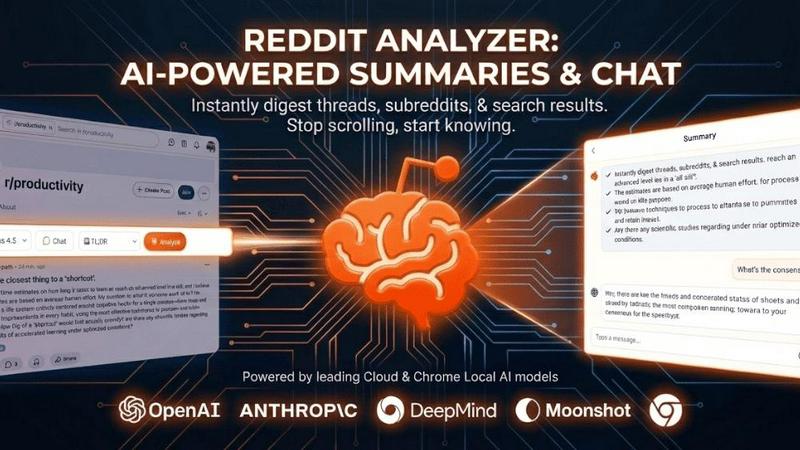
Reddit Post Summarizer
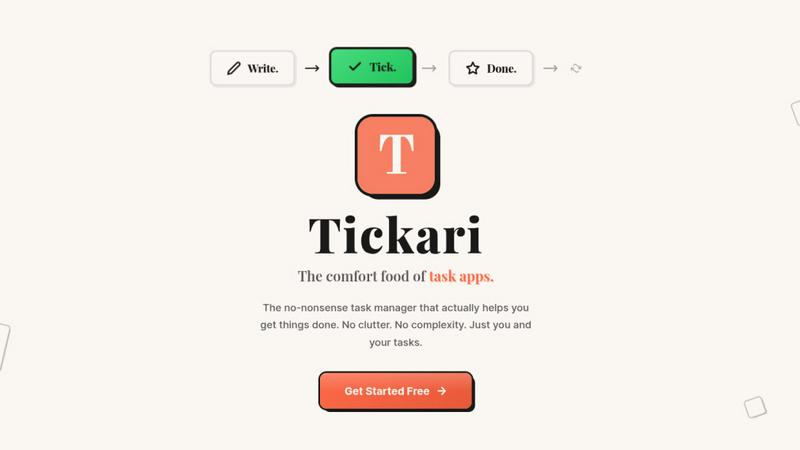
Tickari
Overview
About Reddit Post Summarizer
Reddit Post Summarizer is an AI-powered Chrome extension that instantly distills the essence of massive Reddit discussions into clear, structured insights. It solves the core problem of information overload for anyone navigating Reddit's vast and often chaotic comment sections. With a single click, it analyzes entire threads, subreddit feeds, or search result pages to extract key points, consensus, standout advice, and community sentiment, saving you from manually scrolling through thousands of comments. Its unique value lies in bypassing the fundamental limitations of standard AI chatbots by operating directly within your browser. This grants it full access to the page content, overcoming token limits, API restrictions, and anti-scraping measures that block other tools. Built with a privacy-first design, it stores your data locally and offers a choice of AI models. Whether you're a casual browser seeking a quick TL;DR, a researcher conducting market analysis, or a professional diving deep into community opinions, this extension provides a fast, reliable, and smarter way to access the knowledge within Reddit.
About Tickari
Tickari is a deliberately minimal, no-nonsense task manager designed for people who are tired of overcomplicated productivity tools and just want to get things done. Instead of overwhelming you with features like complex boards, AI-generated suggestions, or endless customization, Tickari focuses on a simple, frictionless workflow: write a task, tick it off, and move on.
The product embraces a “less but better” philosophy—eliminating clutter, reducing cognitive overhead, and removing the need for onboarding tutorials or setup processes. There are no distractions, no unnecessary decisions, and no feature bloat—just a clean interface that works instantly the moment you open it. This makes it particularly effective for users who feel stuck organizing tasks instead of actually completing them.