
GPT Image 2 vs Remove Handwriting
Side-by-side comparison to help you choose the right AI tool.

GPT Image 2
GPT Image 2: Free AI Image Generator — Photorealistic Output

Remove Handwriting
Remove handwriting from images and PDFs with AI while preserving your original printed text and layout.
Last updated: March 26, 2026
Visual Comparison
GPT Image 2
Remove Handwriting
Overview
About GPT Image 2
GPT Image 2 is a next-gen AI image generator with razor-sharp text rendering, photorealistic output, and deep world knowledge. Try GPT Image 2 free online.
About Remove Handwriting
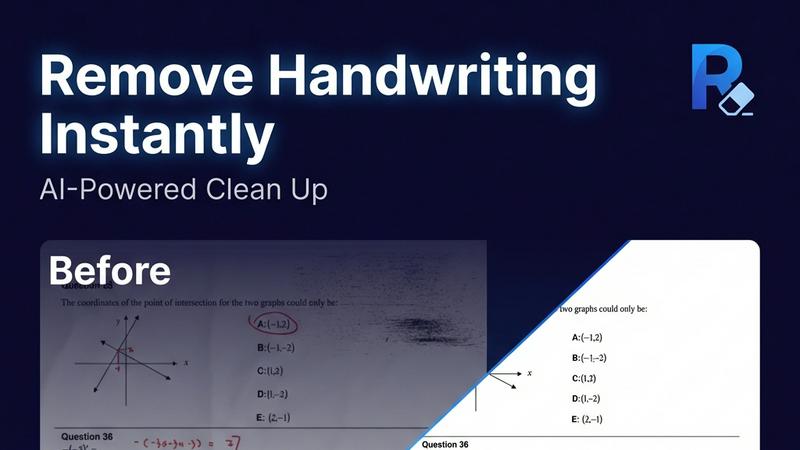
Remove Handwriting is an AI-powered document cleanup tool designed to intelligently erase handwritten text, notes, and annotations from digital files. It works on images, PDFs, and scanned documents, delivering clean, professional results in seconds. The core value lies in its precision: it removes only the handwritten marks while meticulously preserving all underlying printed text, tables, diagrams, and the original document layout. This makes it an essential tool for educators needing clean worksheets, professionals preparing contracts, archivists restoring documents, and students repurposing exam papers. Beyond simple erasure, the tool performs comprehensive document restoration, automatically fixing common scan issues like shadows, skew, curled edges, and background noise. Accessible directly in your web browser or via mobile apps, it supports popular file formats (JPG, PNG, JPEG, PDF) and offers batch processing and API access for scalable workflows. You can start using its powerful features for free with no credit card required.