
Fluidium vs Wan2.7-Image
Side-by-side comparison to help you choose the right AI tool.
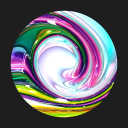
Create mesmerizing fluid art effortlessly with presets or your own designs for a relaxing experience.

Wan2.7-Image
Wan 2.7 Image empowers designers with advanced face control, precise palette matching, and efficient text layouts for seamless image creation.
Last updated: April 13, 2026
Visual Comparison
Fluidium
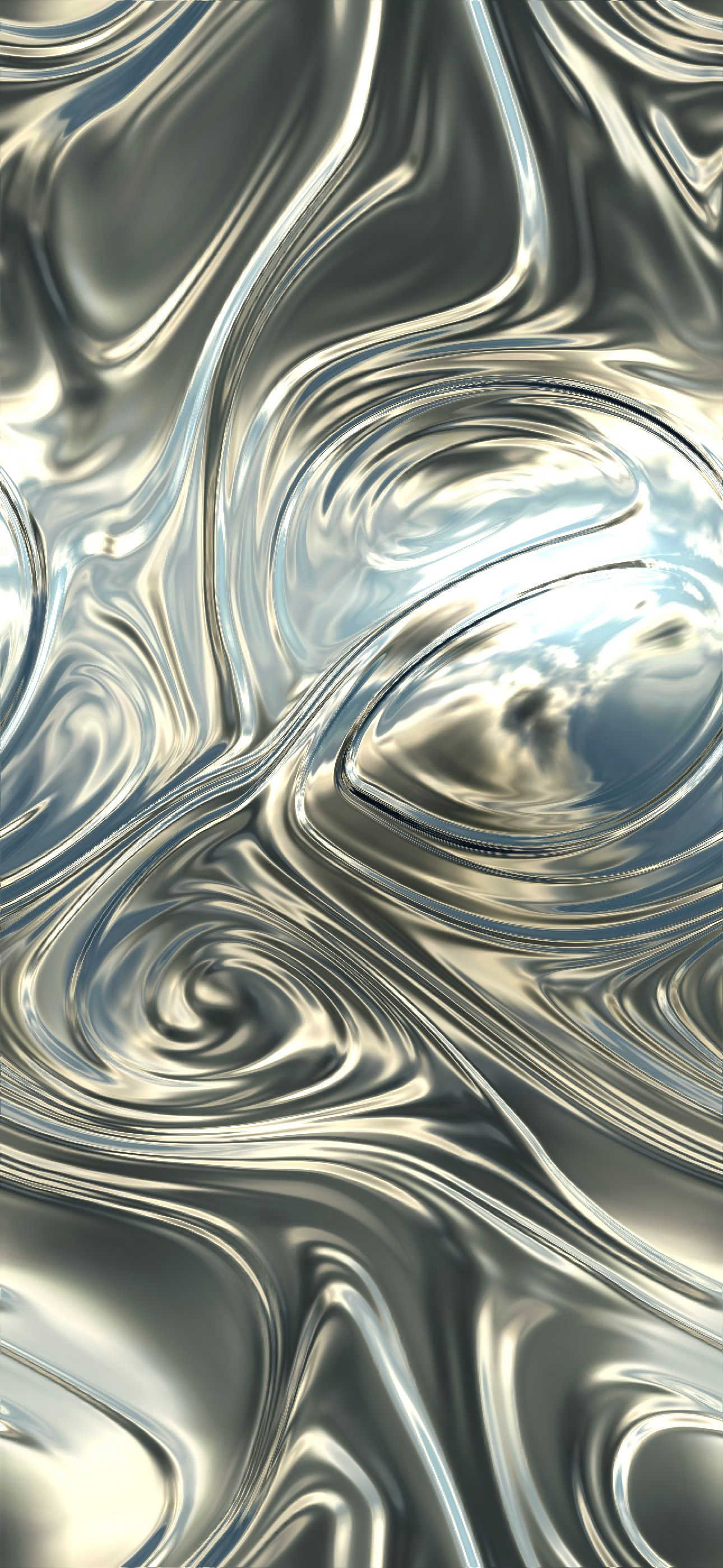
Wan2.7-Image
Feature Comparison
Fluidium
Interactive Fluid Simulation
Fluidium offers an interactive fluid simulation that allows users to manipulate vibrant colors with their touch. Each interaction produces unique visual patterns, fostering creativity and engagement.
Customizable Palettes and Brushes
Users can design their own unique artistic experience with customizable palettes and brushes. This feature empowers artists to create personalized fluid art that reflects their style and preferences.
Extensive Preset Library
With 130 stunning presets to choose from, Fluidium provides a wealth of artistic inspiration. Users can quickly select a preset and begin creating beautiful art with minimal effort.
Recording and Sharing Capabilities
Fluidium allows users to record their artistic sessions, enabling them to share their creations with friends or social media. This feature enhances community engagement and encourages the sharing of artistic ideas.
Wan2.7-Image
Precise Portrait Control
Wan2.7-Image offers advanced face control, allowing users to shape facial structures, eye depth, and skin details. This feature ensures that portraits feel specific and believable, making them ideal for character or brand work without the uniformity often seen in AI-generated images.
Hex-Based Palette Transfer
With the ability to match colors from real references, this feature ensures that the output remains consistent with a brand's visual identity. Users can pull tones from a brand board or product shots, creating outputs that adhere to brand-safe colors and maintain a cohesive visual mood.
Long Text Rendering
This functionality allows for the generation of clear, readable text within dense layouts, such as labels, tables, and captions. It improves upon older image models by offering better clarity and legibility, which is essential for informative visuals that require dense text elements.
Batch Output Up to 12 Images
Wan2.7-Image allows users to generate multiple related images simultaneously, making it perfect for creating product scenes, social media variants, or comic panels. This feature enhances workflow efficiency, enabling teams to produce cohesive assets quickly and effectively.
Use Cases
Fluidium
Creative Exploration
Fluidium serves as an excellent tool for creative exploration, allowing artists to experiment with colors and patterns without the mess of traditional mediums. It's perfect for brainstorming visual concepts.
Stress Relief and Relaxation
Engaging with Fluidium can be a calming experience, making it a great tool for stress relief. The mesmerizing fluid patterns can help users unwind and find a moment of tranquility in their day.
Educational Tool for Art Students
Art students can use Fluidium to learn about color theory and fluid dynamics in a fun and interactive way. It provides an innovative approach to understanding artistic concepts.
Social Media Content Creation
Fluidium is an ideal platform for creating eye-catching content for social media. Users can generate stunning visuals to enhance their online presence and engage followers with unique artistic posts.
Wan2.7-Image
E-commerce Product Visualization
In the e-commerce sector, Wan2.7-Image is invaluable for creating high-quality product visuals. It ensures that images are tailored for various platforms, enhancing customer interaction and ultimately driving sales through compelling visual presentation.
Editorial Content Creation
Editorial teams can leverage Wan2.7-Image to integrate images seamlessly into articles and publications. The tool's precise manipulation capabilities allow for a polished finish, ensuring that visuals complement the written content effectively.
Brand Identity Maintenance
For brand managers, maintaining a consistent visual identity is crucial. Wan2.7-Image enables the integration of brand-specific colors and styles across different projects, ensuring that all outputs align with the overall brand strategy and visual guidelines.
Comic and Storyboard Development
Creative teams working on comics or storyboards can benefit from Wan2.7-Image's ability to maintain character consistency and visual style throughout a series. The batch output feature allows for efficient generation of sequential images, saving time while ensuring coherence in storytelling.
Overview
About Fluidium
Fluidium is an innovative interactive fluid art application developed by the award-winning creator of Uzu. This captivating tool allows users to engage with vibrant streams of liquid colors that react dynamically to touch, creating mesmerizing patterns and visuals that are unique with every interaction. Tailored for artists, designers, or anyone seeking a creative outlet, Fluidium offers a platform for self-expression and relaxation. With 130 stunning presets available, users can quickly access beautiful designs or unleash their creativity by crafting custom palettes and brushes. The application also provides the option to record and share creations, making it easy to showcase artwork. For those who prefer a hands-off approach, the Auto-Play mode transforms any screen into a living canvas, turning your device into a continuous flow of artistic expression. Built with Metal for iOS, Fluidium ensures real-time performance and striking effects on any device, making it an accessible and captivating choice for art enthusiasts.
About Wan2.7-Image
Wan2.7-Image is a cutting-edge tool designed to empower designers, e-commerce professionals, and brand managers with robust capabilities for visual content creation. It offers precise control over images, enabling users to maintain consistent aesthetics and brand identity across diverse projects. Unlike generic stock images, Wan2.7-Image stands out by providing the flexibility needed to dictate visual direction, streamlining workflows and minimizing costly revisions. Its advanced features cater to various applications, excelling in design projects that demand meticulous attention to composition, color, and detail. For e-commerce, it enhances product visuals, ensuring they are optimized for multiple devices and platforms, effectively boosting customer engagement and driving sales. Additionally, it supports editorial work, allowing for precise image manipulation and integration, ensuring that visual elements align with the intended narrative seamlessly.
Frequently Asked Questions
Fluidium FAQ
What devices are compatible with Fluidium?
Fluidium is designed for iOS devices and is optimized for performance using Metal technology, ensuring a smooth experience across various Apple devices.
Can I use Fluidium without any artistic experience?
Yes, Fluidium is user-friendly and designed for all skill levels. Whether you are a seasoned artist or a beginner, you can create beautiful art effortlessly.
Is there a way to save my creations?
Absolutely. Fluidium includes features to record your sessions and save your artwork, enabling easy sharing with others or personal archiving.
Does Fluidium require an internet connection?
Fluidium can be used offline, allowing users to create and enjoy fluid art without needing a continuous internet connection. This makes it perfect for on-the-go creativity.
Wan2.7-Image FAQ
What kind of images can I create with Wan2.7-Image?
You can create a wide range of images, including portraits, product visuals, editorial layouts, and comic panels, all tailored to specific needs with advanced control features.
How does the palette matching feature work?
The palette matching feature allows you to pull colors from real references, ensuring that your image outputs align with your desired visual system, maintaining brand consistency.
Can I edit images after they are generated?
Yes, Wan2.7-Image includes interactive local editing, which enables you to select specific areas of an image for revision without needing to rebuild the entire image from scratch.
What is the maximum number of images I can generate at once?
You can generate up to 12 images at once, making it easier to create coordinated visual assets for campaigns, product sets, or social media content efficiently.