

AI tool Details
Explore More
Alternatives
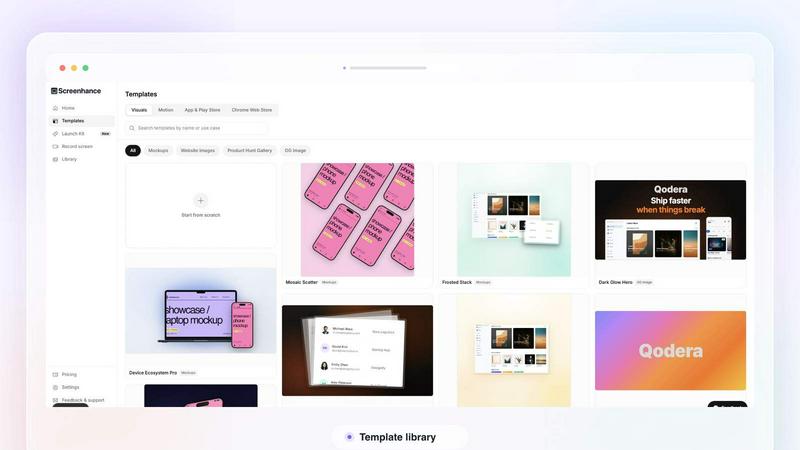
About Screenhance
Screenhance is an all-in-one visual creation toolkit for founders, developers and marketers. Turn ordinary images, screenshots into polished device mockups, App Store screenshot sets, website graphics, social assets and animated product videos. Create visuals using customizable templates, device frames, backgrounds, text and motion, or record your screen and transform the recording into a professional product demo. Screenhance also helps you build coordinated launch assets for channels such as Product Hunt and social media. Export your work as high-quality images, GIFs or videos, without needing professional design or video-editing skills.
Similar to Screenhance
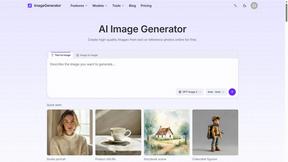
ImageGenerator
Create and edit AI images online with multiple models, text-to-image, image-to-image, background removal, and upscaling.
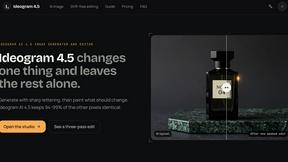
Ideogram 4.5
Advanced AI image generation and editing: sharp typography, native 2K output, localized edits that preserve the rest of your image.
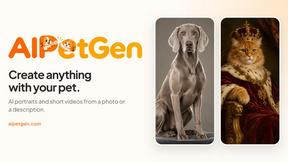
AIPetGen
AIPetGen turns a photo of your dog, cat, or other pet, or a written description, into a new picture or a short animation.
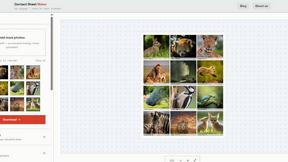
Contact Sheets Maker
Create professional contact sheets from your images in just a few clicks—free, fast, and with no signup required.
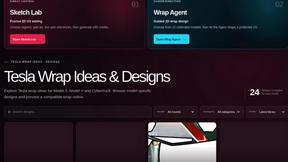
Tesla Wrap Gallery
Explore Tesla wrap ideas for Model 3, Model Y & Cybertruck in a searchable gallery. Preview designs in 2D/3D, export Paint Shop PNGs. Free, no account
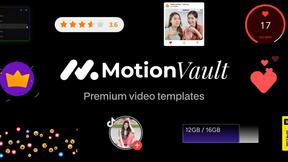
MotionVault
MotionVault: Motion Graphics, Video Templates & Overlays for Editors
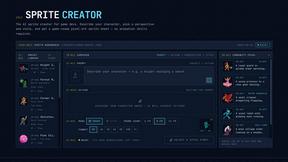
Sprite Sheet Maker
Create pixel-art sprite sheets from text with AI, preview animations, and export PNG assets for game prototypes.
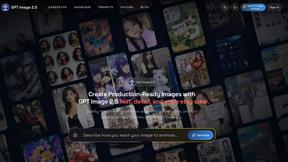
GPT Image 2 API
Generate and edit production-ready images with GPT Image 2 API, prompts, reference images, clear text, and developer workflows.