

AI tool Details
Explore More
Alternatives
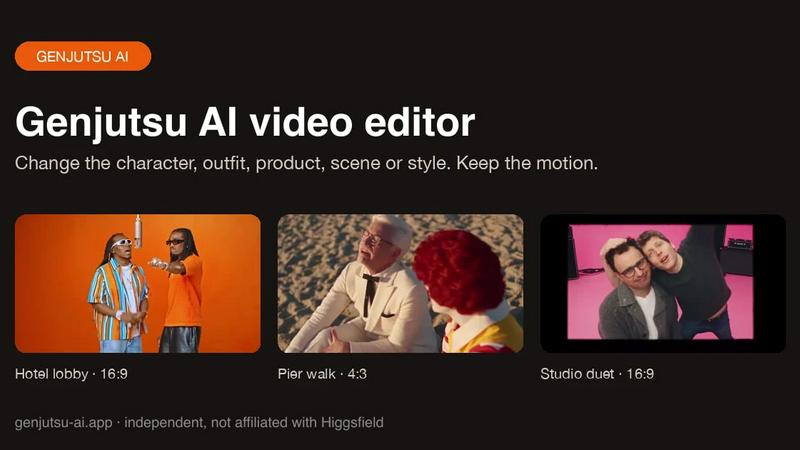
About Genjutsu AI
Genjutsu AI is a reference-guided video-to-video editor. Upload a clip, add up to nine reference images and describe the change to swap a character, outfit, product or background, or restyle the whole shot, while the original motion, camera movement and timing stay in place. Outputs 5-30 second MP4 at 480p-1080p with the source audio kept.
Similar to Genjutsu AI

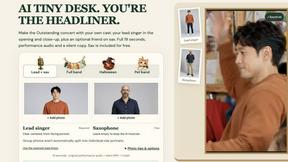
AI Tiny Desk
Make a 19-second desk-concert video with lead and sax, full band, Halloween or pet-band modes; audio and silent MP4.

ScaleReach
Paste a link, get ready-to-post TikTok, Reels and Shorts clips with auto captions. 100 free minutes, no credit card.

Vikas Editor AI
AI photo and video creative studio for cinematic portraits, fashion edits, festival greetings, and photo-to-video concepts.
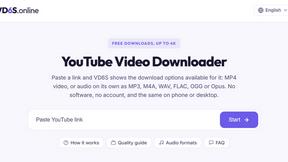
VD6S
VD6S is a free online YouTube video downloader that supports HD, 4K and up to 8K downloads. Save videos in MP4 or audio in multiple formats.

Outstanding Tiny Desk AI
Upload photos of you and up to 4 friends and get a 15-second Outstanding Tiny Desk AI video with AI-generated sound, in 9:16 for TikTok and Reels.
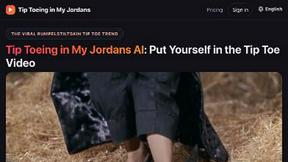
Tip Toeing in My Jordans
Put your photo in the viral Rumpelstiltskin tip toe meme and get a 12-second AI video. Free 2-second preview, no sign-up.

Rhinobird
AI video ads, UGC-style videos, and product visuals for cross-border sellers and e-commerce brands.